
The Ultimate Guide to Free Online Tools for Productivity, SEO & Business Growth

As the world is going digital, the difference between struggling and scaling often comes down to one thing: the tools you use.
Whether you're a business owner, marketer, developer, or student, having access to the right tools can dramatically improve your workflow, save time, and boost results.
The challenge, however, is finding reliable tools without paying for dozens of expensive subscriptions.
That’s where TechBizTools comes in.
Instead of jumping between multiple platforms, TechBizTools provides a centralized ecosystem of powerful online utilities — covering everything from SEO and text analysis to development, image optimization, and calculators.
In this guide, you’ll learn how to use these tools strategically to improve productivity, grow your business, and simplify your daily tasks.
1. Text Analysis Tools: Create Better Content Faster
Content is everywhere — but high-quality content wins.
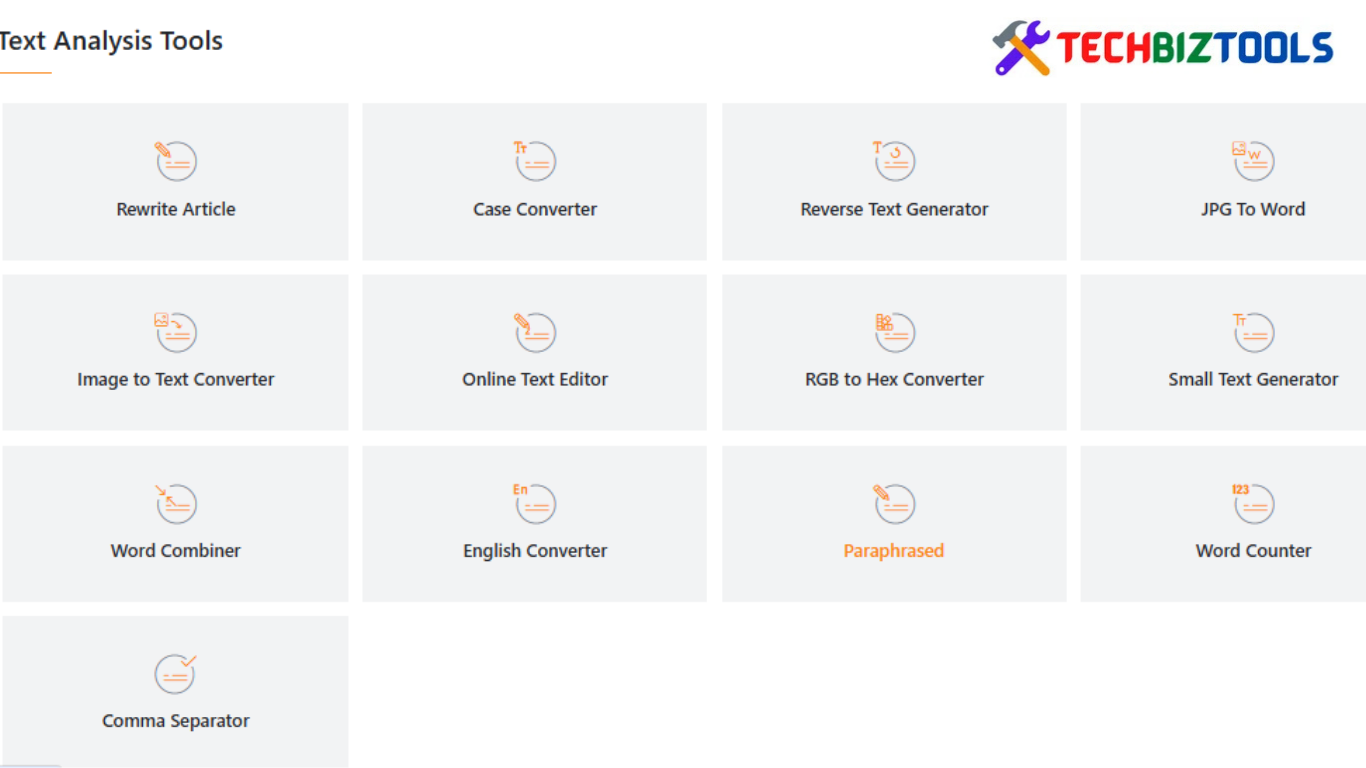
If you write blog posts, social media content, emails, or website copy, text analysis tools help you refine and optimize your writing instantly.
👉 Explore: Text Analysis Tools
With these tools, you can:
- Count words and characters
- Improve readability
- Convert text formats (uppercase, lowercase, etc.)
- Clean and structure messy content
Why it matters:
Search engines and readers both prefer clear, well-structured content. Using text tools ensures your writing is polished and professional.
👉 Example use case:
Before publishing a blog post, run it through a text analyzer to ensure it's readable and properly formatted.
2. Keyword Tools: The Foundation of SEO
If your content isn’t ranking on search engines, you’re missing out on free traffic.
Keyword tools help you understand what people are searching for — so you can create content that actually gets discovered.
👉 Explore: Keywords Tools
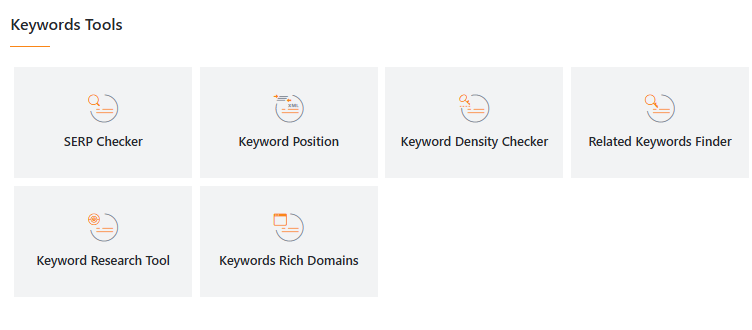
With keyword tools, you can:
- Discover new keyword ideas
- Analyze keyword density
- Optimize content for search engines
Why it matters:
SEO starts with the right keywords. Without them, even great content can go unnoticed.
👉 Example use case:
Before writing an article, use keyword tools to find search terms your audience is actively looking for.
3. Online PDF Tools: Manage Documents Effortlessly
Handling documents is part of almost every workflow — whether you’re running a business, studying, or freelancing.
PDF tools simplify everything.
👉 Explore: Online PDF Tools
You can:
- Convert files (Word ↔ PDF, Image ↔ PDF)
- Merge or split PDFs
- Compress large files
Why it matters:
Instead of installing heavy software, you can handle documents instantly online — saving time and storage space.
👉 Example use case:
Compress a PDF before sending it via email to reduce file size and improve delivery speed.
4. Domain & Website Tools: Strengthen Your Online Presence
If you own a website, understanding its performance is critical.
Domain and website tools give you insights into how your site is functioning and how to improve it.
👉 Explore: Domains Tools,
Website Tracking Tools,
Website Management Tools
With these tools, you can:
- Check domain authority and DNS records
- Track website performance
- Monitor uptime and errors
Why it matters:
A slow or poorly optimized website can hurt both user experience and SEO rankings.
👉 Example use case:
Use tracking tools to identify performance issues and fix them before they affect your visitors.
5. Password Management Tools: Protect Your Digital Assets
As your online presence grows, so does the need for security.
Weak passwords are one of the biggest vulnerabilities in digital systems.
👉 Explore: Password Managment Tools
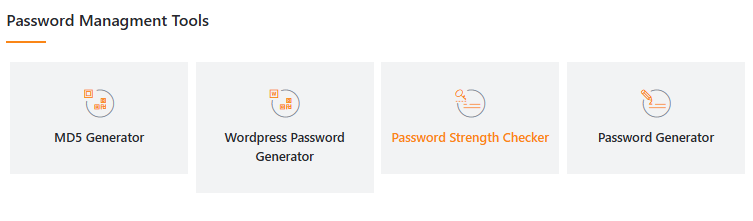
These tools help you:
- Generate strong passwords
- Test password strength
- Improve account security
Why it matters:
Cyber threats are increasing, and securing your accounts is essential for protecting your business and personal data.
👉 Example use case:
Generate a secure password for your website admin panel to prevent unauthorized access.
6. Development Tools: Build and Debug Efficiently
For developers and tech-savvy users, small utilities can make a big difference.
Development tools simplify coding, formatting, and debugging tasks.
👉 Explore: Development Tools
You can:
- Format JSON and code
- Validate scripts
- Generate unique IDs
Why it matters:
These tools save time and reduce errors, allowing you to focus on building rather than troubleshooting.
👉 Example use case:
Use a JSON formatter to clean up messy API responses instantly.
7. Calculators & Converters: Make Quick, Accurate Decisions
Not every problem requires complex software — sometimes you just need quick answers.
That’s where calculators and converters come in.
👉 Explore:
Online Calculators
Unit Converters
With these tools, you can:
- Perform financial calculations
- Convert units instantly
- Solve everyday math problems
Why it matters:
They eliminate guesswork and help you make fast, informed decisions.
👉 Example use case:
Use a percentage calculator to quickly calculate discounts, profits, or growth rates.
8. Image Tools: Optimize Visual Content
Images are essential for modern websites and marketing — but unoptimized images can slow down your site.
Image tools help you fix that.
👉 Explore: Image Tools
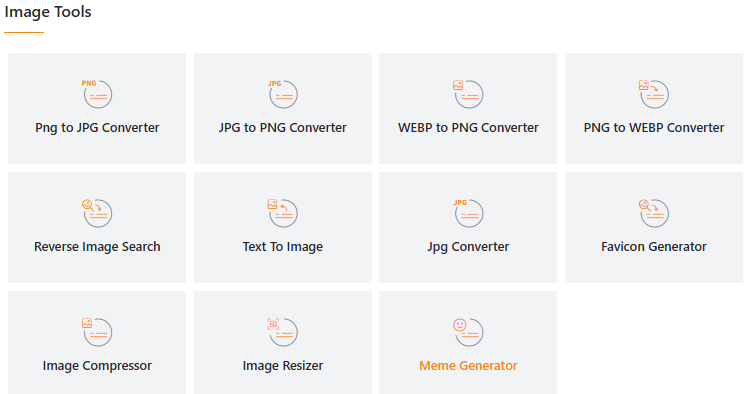
You can:
- Compress images
- Resize visuals
- Convert formats
Why it matters:
Faster-loading images improve user experience and boost SEO rankings.
👉 Example use case:
Compress images before uploading them to your website to improve page speed.
9. Binary & Tag Tools: Small Tools, Big Impact
Some tools may seem niche but are incredibly useful in the right context.
👉 Explore: Binary Converters
Tags Tools
These tools help with:
- Binary conversions (for developers and learners)
- Meta tag generation and optimization
Why it matters:
They handle technical tasks quickly and eliminate manual effort.
👉 Example use case:
Use tag tools to generate SEO-friendly meta tags for your web pages.
🧠 How to Use TechBizTools as a Complete Workflow System
The real power of TechBizTools isn’t just individual tools — it’s how they work together.
Here’s a simple workflow:
- Research → Use keyword tools
- Create → Use text analysis tools
- Optimize → Use tag and image tools
- Publish → Use website tools
- Manage → Use PDF and calculators
- Secure → Use password tools
👉 This creates a complete digital productivity system — all in one place.
Conclusion
TechBizTools is more than just a collection of utilities — it’s a complete toolkit for modern productivity, SEO, and business growth.
Instead of relying on multiple platforms, you can:
- Save time
- Reduce costs
- Improve efficiency
- Work smarter
Whether you're optimizing content, managing a website, or handling everyday tasks, these tools give you everything you need to succeed.